
Best Arena Breakout Settings: A Guide to Visibility and Gameplay Customization
Best ABI settings for PC: visibility, DLSS, FOV, and which sliders to drop so operators read cleaner on Farm, Valley, and Armory.
Best ABI settings start in the game client, not in an overlay. If you cannot see an operator in Valley grass, no FOV circle will save the peek. This guide is a visibility-first PC setup for Arena Breakout Infinite, then a short note on HUD tools.
Best Arena Breakout Infinite settings change after GPU driver and season patches. Treat the tables as a start point. Test on your monitor.
Display and latency
Use your monitor native resolution and Fullscreen. Borderless is fine if you alt-tab a lot. Cap FPS a few frames under refresh. Turn V-Sync off.
On NVIDIA RTX, Super Sampling Type = DLSS at Quality, Reflex on, Transformer model if the client lists it. Everyone else: FSR Quality. Frame interpolation off for PvP. Generated frames look smooth and aim late.
Arena Breakout Infinite best settings for visibility
Arena Breakout Infinite best settings for visibility drop the sliders that hide people and keep the ones that keep edges sharp.
| Setting | Visibility pick | Why |
|---|---|---|
| View Distance | Balanced–Quality | Stops cover popping in at range |
| Shadow Quality | Performance / Basic | Fewer black corners, more FPS |
| Vegetation Quality | Basic | Thinner grass on Farm and Valley |
| Post-Processing | Basic–Performance | Less bloom and smear |
| Effect Quality | Basic | Less muzzle and smoke clutter |
| Texture Quality | Quality (8 GB+ VRAM) | Keeps distant models readable |
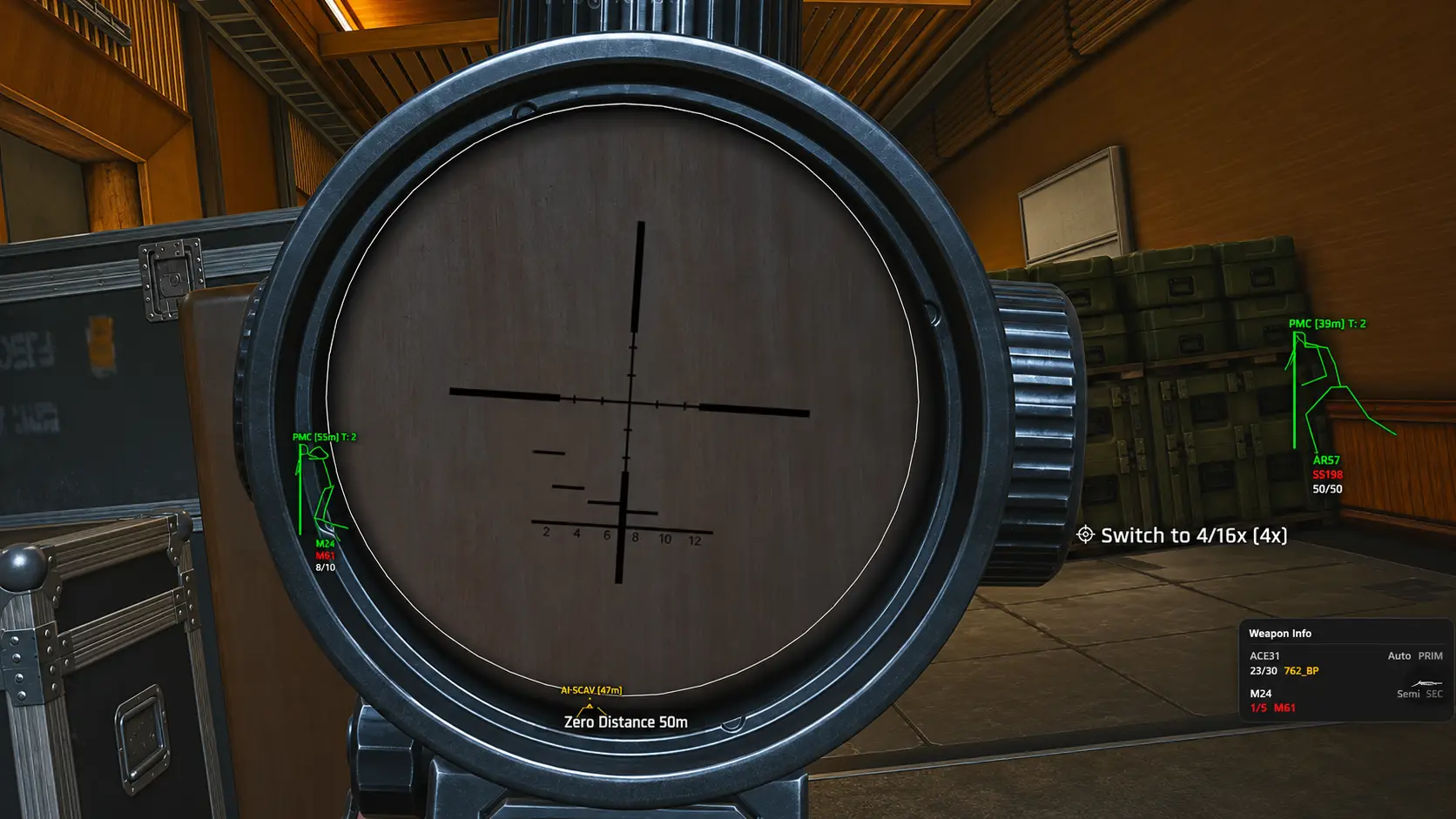
| Scope Quality | Quality | Optic picture is not the place to save frames |
| Firing Blur | Off | Keeps the sight picture during sprays |
Arena Breakout best settings for FOV sit around 90–100. Higher FOV shows more compound, smaller heads. Head shake low. Sharpen a little. Do not crush contrast into grey soup.
Overlay HUD vs client graphics
Client graphics are one layer. Overlay font size, crosshair, and combat mode are another. Do not mix those articles. Interface sliders: cheat interface guide.
ESP draw distance should match what your GPU actually renders. If view distance is high and ESP is max, the HUD paints people you cannot fight yet. Pair with player ESP after the client looks clean.
Gun choice still matters once you can see the fight. Season 7 rifles and ammo: Arena Breakout gun tier list.
When the picture is stable, Arena Breakout cheats is the product hub if you want overlay modules on top of this client setup.
FAQ
Should I use DLSS Performance for more FPS?
Use it if you are GPU-starved. Distant operators turn soft. Quality is the visibility default. Balanced is the compromise.
Is brightness 1.5 better?
A small bump helps night corners on Armory and TV Station. Pushing it far flattens shadows so you lose depth. Start near 1.0–1.3.
Does this replace ESP?
No. These sliders change what the game draws. ESP adds boxes, bones, and kit data. Use graphics first so the overlay is not fighting bloom and grass.
Windowed Fullscreen or Fullscreen?
Fullscreen usually has less input lag. Windowed Fullscreen is easier for Discord. Pick lag if you take a lot of peeks.
Do I need a new config after a graphics patch?
Yes if the client resets custom quality. Keep a screenshot of this table. Overlay configs are separate: cheat config guide.